Crop an image without sending it to a server
Crop photos privately in your browser, no upload and no account. A step-by-step local crop workflow with Inkicity.
Most online crop tools start with an upload form, which means a full-resolution copy of your photo hits someone else’s server before you’ve even dragged a handle. If the file is personal, client work, or anything you wouldn’t paste into a random converter, go local instead.
Inkicity crops right in the browser: open a file from disk, set the frame, export. Nothing gets uploaded.
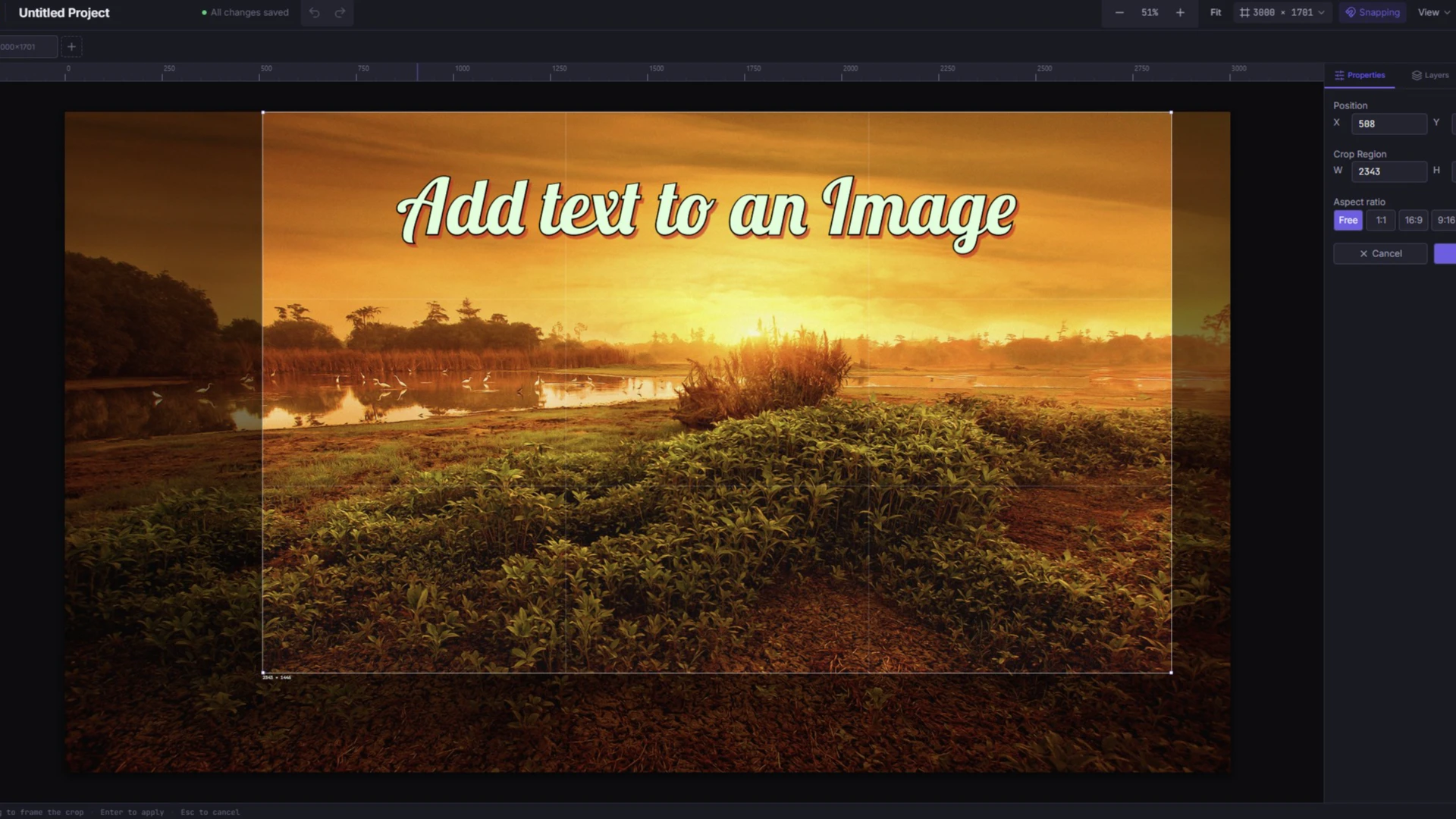
When a local crop is the right tool
- Remove distraction around a subject without re-shooting
- Tighten a product shot or screenshot before social resize
- Cut to a square, portrait, or landscape ratio before export
- Avoid upload-based “free crop” sites for sensitive stills
If you need RAW develop, healing brushes, or print-prep CMYK, use a desktop app. For a clean rectangle and export, a browser crop is enough.
Step-by-step: crop without uploading
- Open the editor. Start from Crop an image online. No account required.
- Open your image. Choose a JPEG, PNG, or WebP from your device. Nothing gets uploaded.
- Set the frame. Pick the Crop tool and drag it to the composition you want. Leave a little breathing room if the destination UI covers the edges, like Stories or feed chrome.
- Optional polish. After the crop, add text or resize for Instagram on the same local canvas.
- Export. Download PNG, JPEG, or WebP. Your original stays on disk unless you overwrite it yourself.
Crop tips that travel well
- Crop for the subject first, then resize for the platform, not the other way around.
- For faces, keep eyes in the upper third and avoid clipping at the chin or forehead.
- Prefer exporting a clean master, then making platform-specific sizes from that crop.
- Format choice still matters after the crop. See PNG vs JPEG vs WebP.
Privacy note
Upload-based croppers receive your file even if they claim to delete it afterward. Cropping locally skips that step entirely: the pixels never leave your machine. This site runs no trackers, and the editor only turns on product analytics after you opt in. See the Privacy Policy for the specifics.
Related
Ready to edit?
Jump into the browser editor. No account, no upload.