Local-first image editors vs Canva and Photopea
How Inkicity compares to Canva and Photopea when you want fast edits without uploading, with honest trade-offs for privacy, speed, and scope.
Search for “Photopea alternative” or “Canva without upload” and you’ll find a pile of converters that still take your file first. The real split isn’t about brand names. It’s where the pixels go and how much app you actually need for the job.
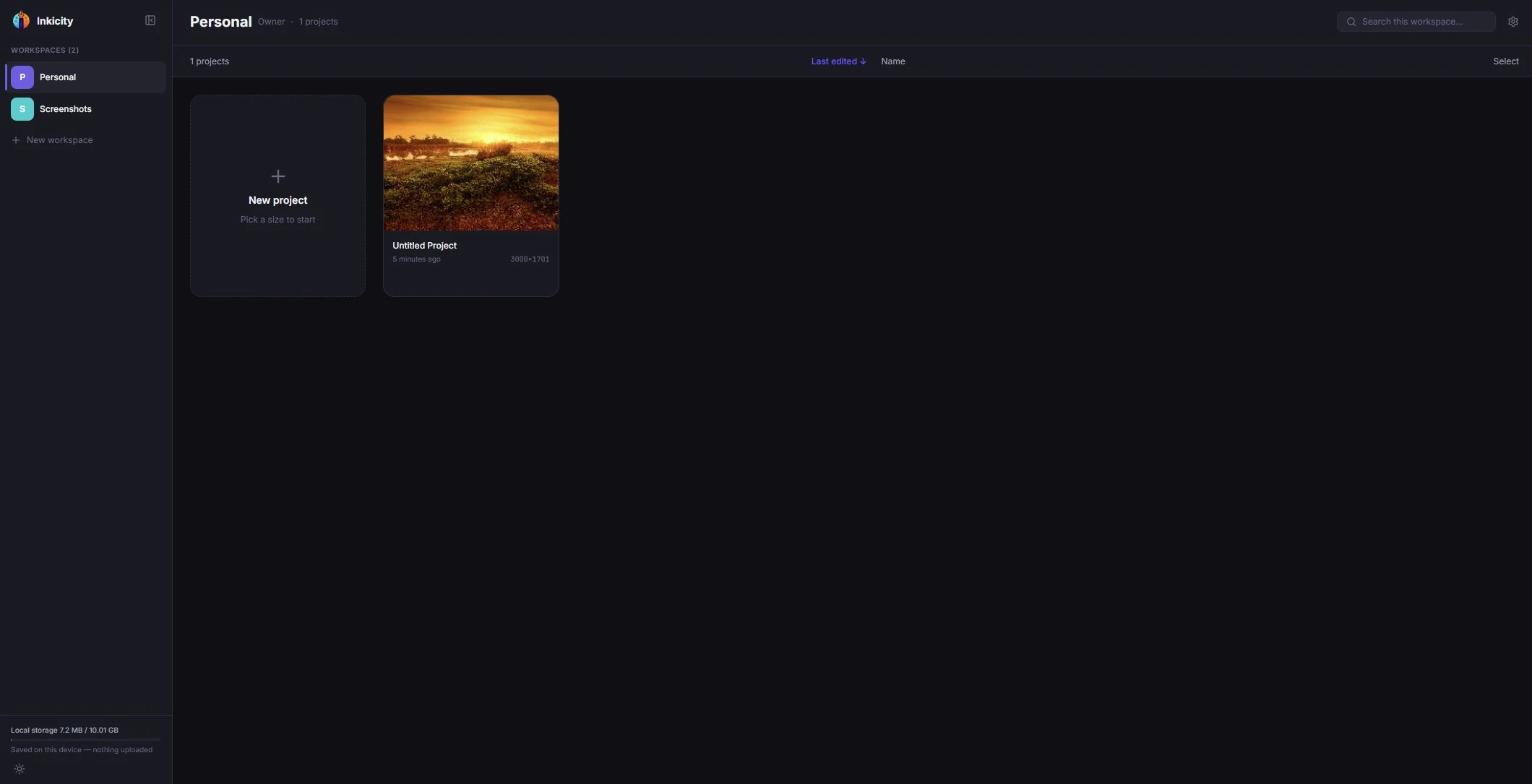
Inkicity is a local-first, browser-based editor for small, fast edits: crop, text, layers, filters, social presets, PNG / JPEG / WebP export. It is not a Photoshop replacement and does not try to be.
What “local-first” means here
- You open a file from your device.
- Editing and export run in the browser.
- Everyday edits are not gated behind an account.
- Privacy claims are about image data, not magic anonymity on the public internet. See the Privacy Policy.
That is the opposite of tools whose first step is “upload to our server,” even when they delete files afterward.
Compared to Canva
| Canva | Inkicity | |
|---|---|---|
| Strength | Huge template marketplace, team brand kits, massive asset library | Fast private edits, starter templates, per-workspace brand colors/fonts, social presets, no sign-up wall |
| Files | Cloud project model; uploads are normal | Local open → edit → export |
| Best when | You are building a multi-page brand system with a team | You need a crop, caption, or resize now |
Choose Canva when a huge template marketplace and team collaboration are the product. Choose a local-first editor when you don’t want a cloud project just for a single photo tweak. (Inkicity still ships starter templates and per-workspace brand colors and fonts for repeat work.)
Compared to Photopea
| Photopea | Inkicity | |
|---|---|---|
| Strength | Broad PSD-oriented desktop-class toolset in the browser | Narrower toolkit optimized for quick exports |
| Complexity | Powerful; steeper for tiny jobs | Fewer panels; faster for common tasks |
| Best when | You need advanced document / PSD workflows | You need text, crop, filters, social sizes |
Photopea is closer to a full editor. Inkicity is closer to a sharp pocketknife: add text, crop, convert formats, export, done.
Compared to generic “online photo editors”
Many free editors monetize through accounts, watermarks, or upload pipelines. Before you paste a sensitive image into one, check:
- Does the flow require upload before preview?
- Do you need an account to export?
- Is there a watermark on the free tier?
- Is the privacy policy clear about image retention?
Inkicity’s answer today: no account for everyday editing, no Inkicity watermark on exports, editing in the browser, no marketing trackers on the marketing site, and product analytics in the editor only with your consent (details in Privacy).
When not to use Inkicity
- Heavy PSD retouching, CMYK print pipelines, or plugin ecosystems
- Multi-user brand template systems
- Offline use before a service worker exists (the editor needs a network load; it is not a promised offline PWA)
For those jobs, keep Photopea, desktop apps, or Canva, and use Inkicity for the small edits in between.
Practical next steps
- Caption a still: Add text to a photo · full guide
- Pick an export format: PNG vs JPEG vs WebP
- Size for feed or Stories: Instagram sizes cheat sheet
Ready to edit?
Jump into the browser editor. No account, no upload.