Free online photo editor with no sign-up
What to look for in a free browser photo editor that needs no account, and how Inkicity keeps everyday edits local, watermark-free, and private.
“Free online photo editor” usually means one of three traps: an account wall before export, a watermark on the free tier, or an upload pipeline that takes your file first. You can still find a useful free editor. You just need to know which promises actually matter.
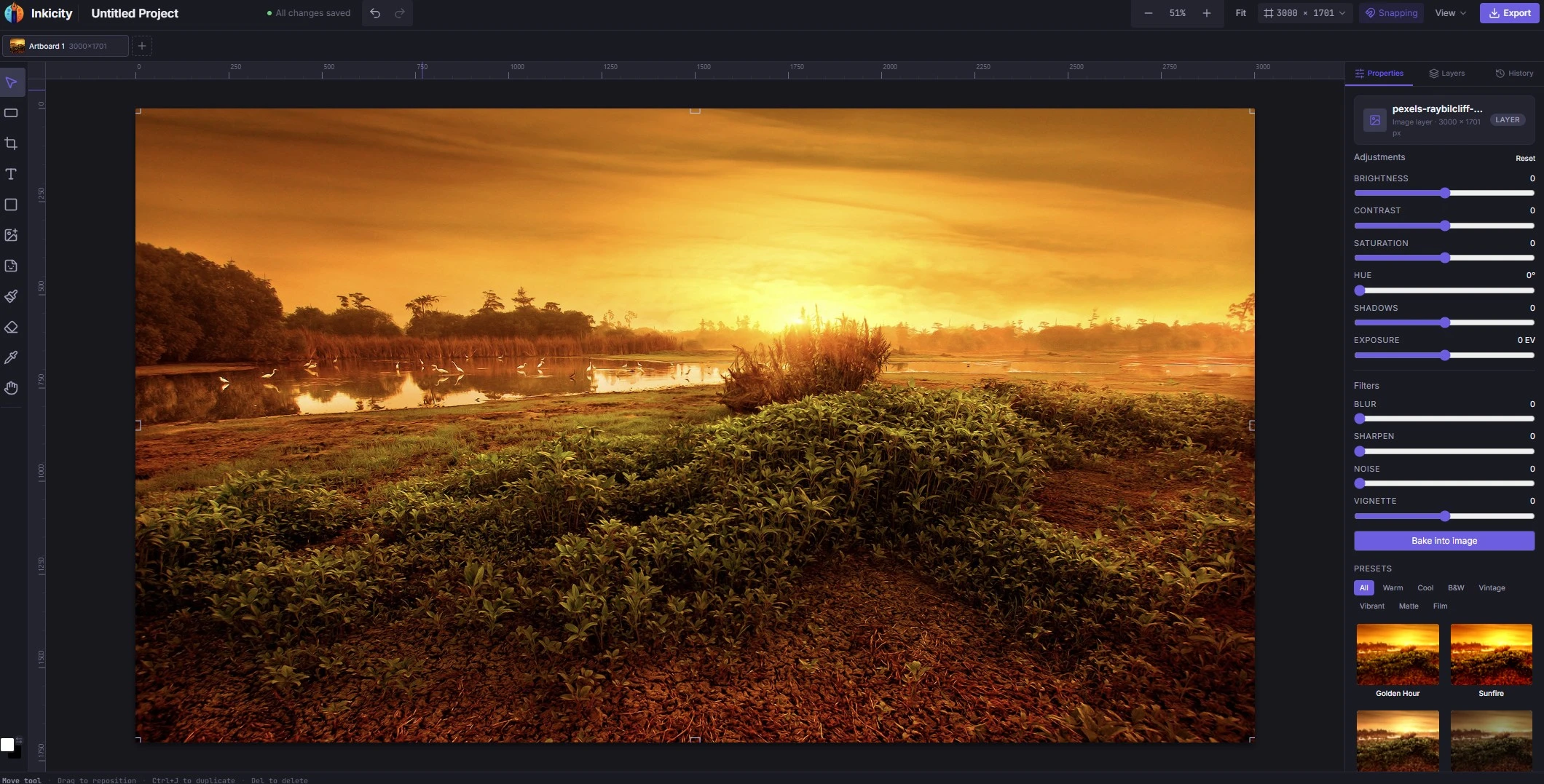
Inkicity is a free browser image editor for everyday work: crop, text, layers, filters, social presets, and PNG / JPEG / WebP export. No sign-up to start, no Inkicity watermark on exports, and editing stays on your device.
Checklist before you trust a “free” editor
- Can you export without creating an account? If not, it is a free trial of a SaaS funnel.
- Is there a watermark on the free tier? Some tools stamp every download until you pay.
- Does the first step require upload? Local-open flows keep pixel data on your machine for the edit.
- Is the privacy policy clear about image retention? Vague “we may process your content” language is a yellow flag for personal photos.
- Does the tool match the job? A template suite and a quick crop tool solve different problems.
Inkicity’s answers today: no account for everyday editing, no watermark from us, open-from-disk editing in the browser, and privacy scoped to image data (see Privacy Policy). Paid plans for advanced or AI features may come later; everyday editing stays free.
What you can do without signing up
| Task | Where to start |
|---|---|
| Caption or watermark a still | Add text to a photo · guide |
| Trim the frame | Crop online · guide |
| Apply a light look | Photo filters |
| Size for Instagram | Resize for Instagram · sizes guide |
| Change format | PNG → WebP · format guide |
Free vs “good enough”
A no-signup editor won’t replace a full desktop suite, and that’s fine. Use Inkicity when you need a small, honest edit and a file back in Downloads, not a cloud brand system or a PSD plugin ecosystem. For that comparison, read local-first editors vs Canva and Photopea.
Practical next step
Open the editor, drop in a local image, and export once. If the flow never asked for email and never stamped a logo on your file, you have the free experience you were searching for.
Ready to edit?
Jump into the browser editor. No account, no upload.